-
Free currency updates
-
20 years of expertise
-
3 year warranty. Read more.
-
Professional support
Autumn Deals! Use the code AUTUMN10 to get 10% off!
4.8  468 Google-reviews
468 Google-reviews
Need help? Please contact us.
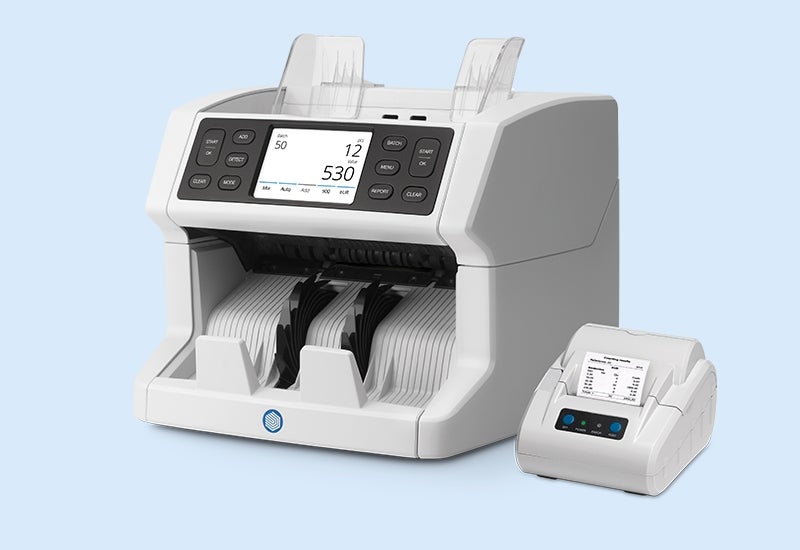
Safescan 2865-SC - Print Your Results
-
Easily and quickly print your counting results. Simply follow the steps below and learn how you can print your counting results using the Safescan TP-230 thermal printer.
1. Connect the Safescan TP-230 to the back of your banknote counter using the RJ-10 to serial port cable.
2. Next, switch on your banknote counter, and count your cash.
3. Once you are done counting, click press the REPORT button to view your results.
4. Click on the printer icon shown on the screen.
5. The Safescan TP-230 will now print a receipt with your counting results.
Please note that you can also connect the printer after you have finished your counting session. Just make sure that you print your results before you switch off your banknote counter and lose them.
-