-
Free currency updates
-
20 years of expertise
-
3 year warranty. Read more.
-
Professional support
Autumn Deals! Use the code AUTUMN10 to get 10% off!
4.8  468 Google-reviews
468 Google-reviews
Need help? Please contact us.
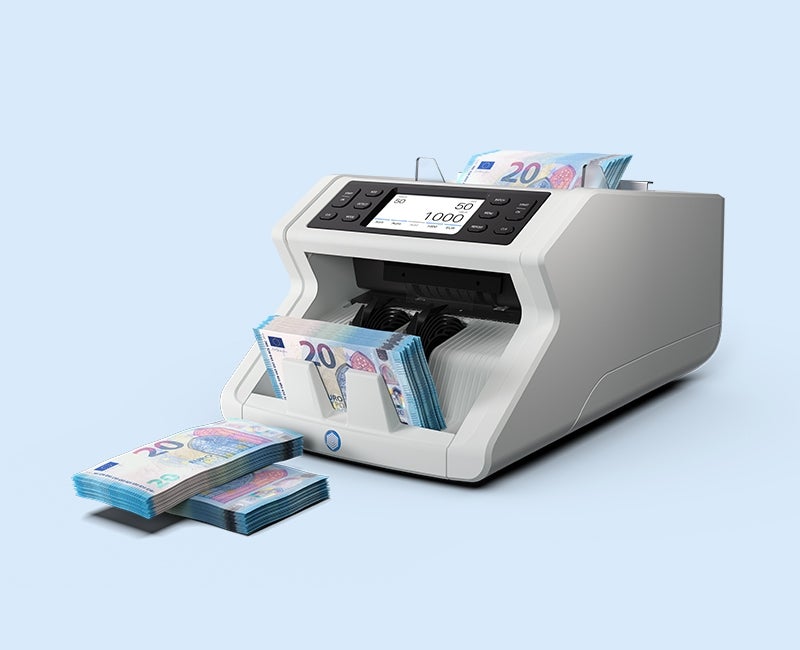
Safescan 2485-SC - Creating Batches
-
Simplify your cash deposits. Simply follow the instructions below to learn how you can create batches of the same quantity.
1. Click on Batch in the top left corner of the screen to open the batch menu.
2. Type the desired number of banknotes you want in each batch and press OK to confirm. You can also choose one of the default options in the quick menu.
3. The number you have entered is now shown on the display.
4. Insert your banknotes. The device will automatically start counting them.
5. The device will stop after it has reached the desired number. Remove the batch to count the next one.
If the device does not continue counting automatically, simply click the START/OK button.
6. Repeat this process untill all your banknotes are counted.
If you don't have enough banknotes to complete the final batch the machine will beep and show you the counted number.
-