-
Professional support
-
3 year warranty. Read more.
-
20 years of expertise
-
Free currency updates
4.8  468 Google reviews
468 Google reviews
Need help? Please contact us.
Safescan App
-
Manage your results
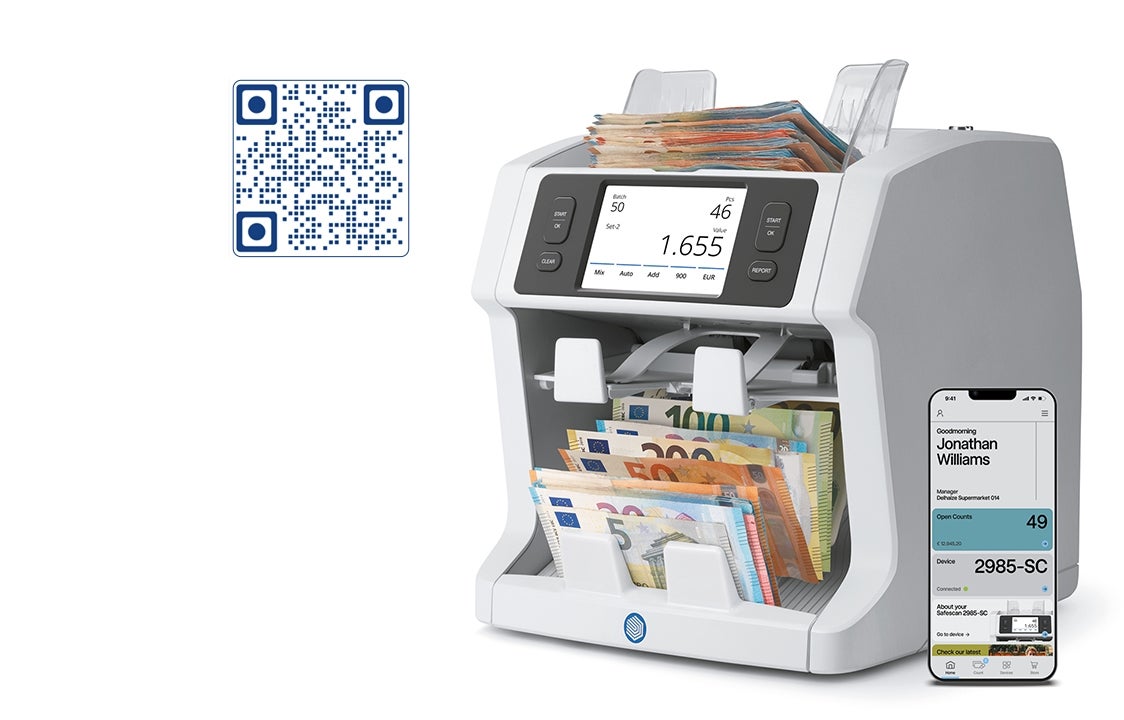
with the touch of your fingerThe Safescan app has everything you need to manage your counting results and get the most out your device. Making your cash counting and management process easier, faster, and more efficient.
✓ Send results from your device to your phone.
✓ Review your results in the app.
✓ Approve your counts.
✓ Save your results on your phone or export them.
✓ Share reports with your organisation.
✓ Get access to support articles and manuals.
✓ Receive notifications when you need to update your device.
-
Secure SmartConnect Technology
Uploading your results is incredibly easy and safe. Our devices contain SmartConnect technology to keep your counting results private and secure - at all times.
-
How does it work?
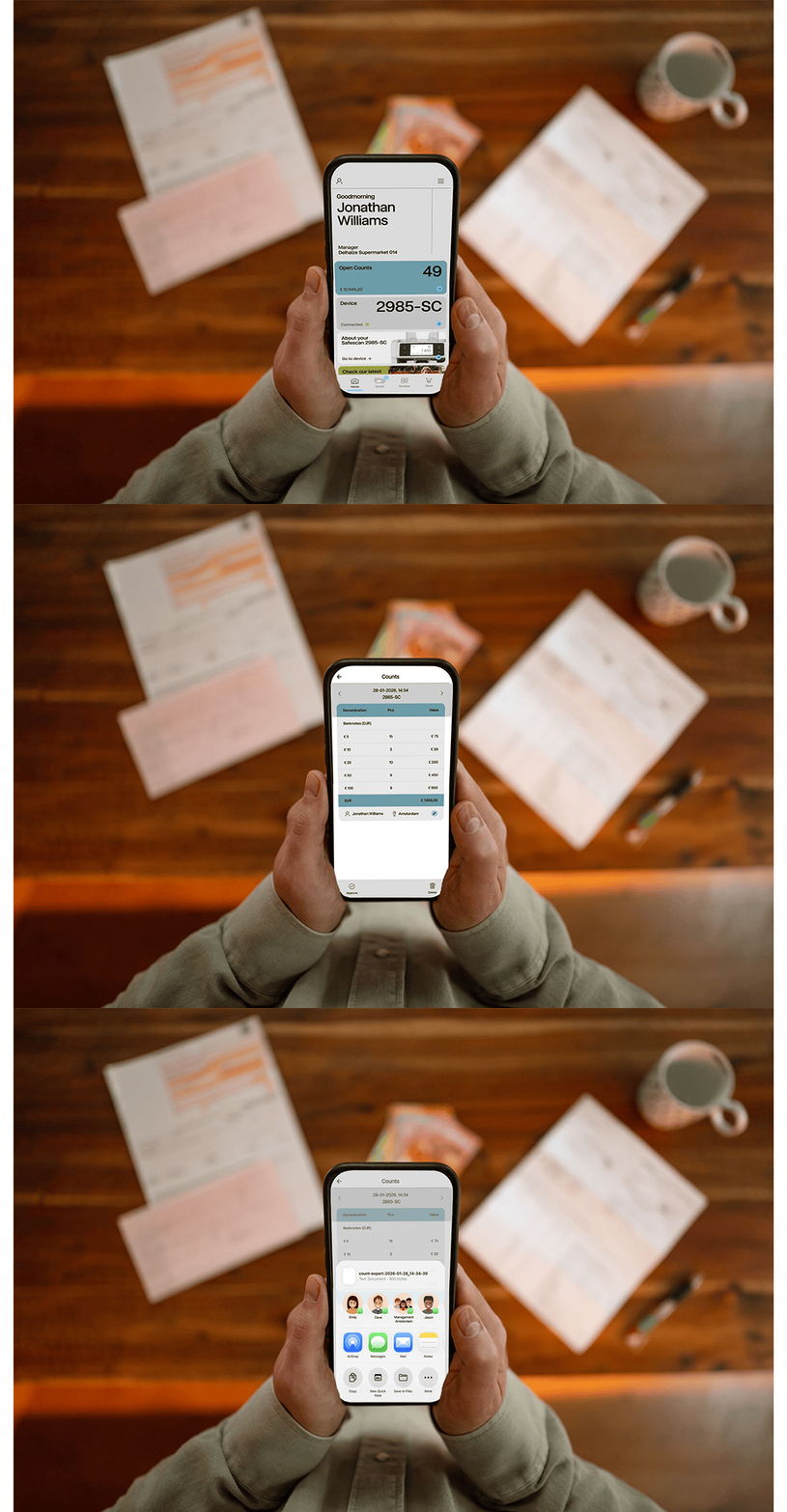
The Safescan app is as easy as it is safe. In just a few simple steps you’ll have uploaded, reviewed, approved, and shared your results. No training needed!
1. Download the Safescan app.
2. Count your money.
3. Connect your device.
4. Send your results to the app.
5. Review and approve them.
6. Export and share them.
-
Download the Safescan App
Simply use the camera on your smartphone to scan the code on the right, or click on the links below to download the Safescan app.
IOS: Download the app from the App Store.
Android: Download the app from the Google Play Store.
Please note that the Safescan app (currently) only works with the Safescan 2485-SC, 2865-SC, 2985-SC and Safescan 2995-SC. -